Ask an accountant about ERP vs Tally and you will often hear the same reply: why pay every month when TallyPrime Silver costs ₹22,500 plus GST, once, and everyone already knows it? It is a fair point, and for plenty of businesses staying on Tally is right. This post shows where the line sits, using Tally’s own pages and prices (checked 17 October 2026), the signs that a business has outgrown it, and a checklist you can run in ten minutes.
We make PrimoERP, a cloud ERP for Indian businesses, so read our part of this knowing that. We have tried to be plain about where Tally is the better pick.
ERP vs Tally: the short answer
TallyPrime is accounting software with stock, GST and payroll built in, made to run on a Windows PC. An ERP is one system that every team works in. Sales takes the order, the godown ships it, purchase raises the PO, and the accounts follow from all of it, in a browser, from wherever people sit.
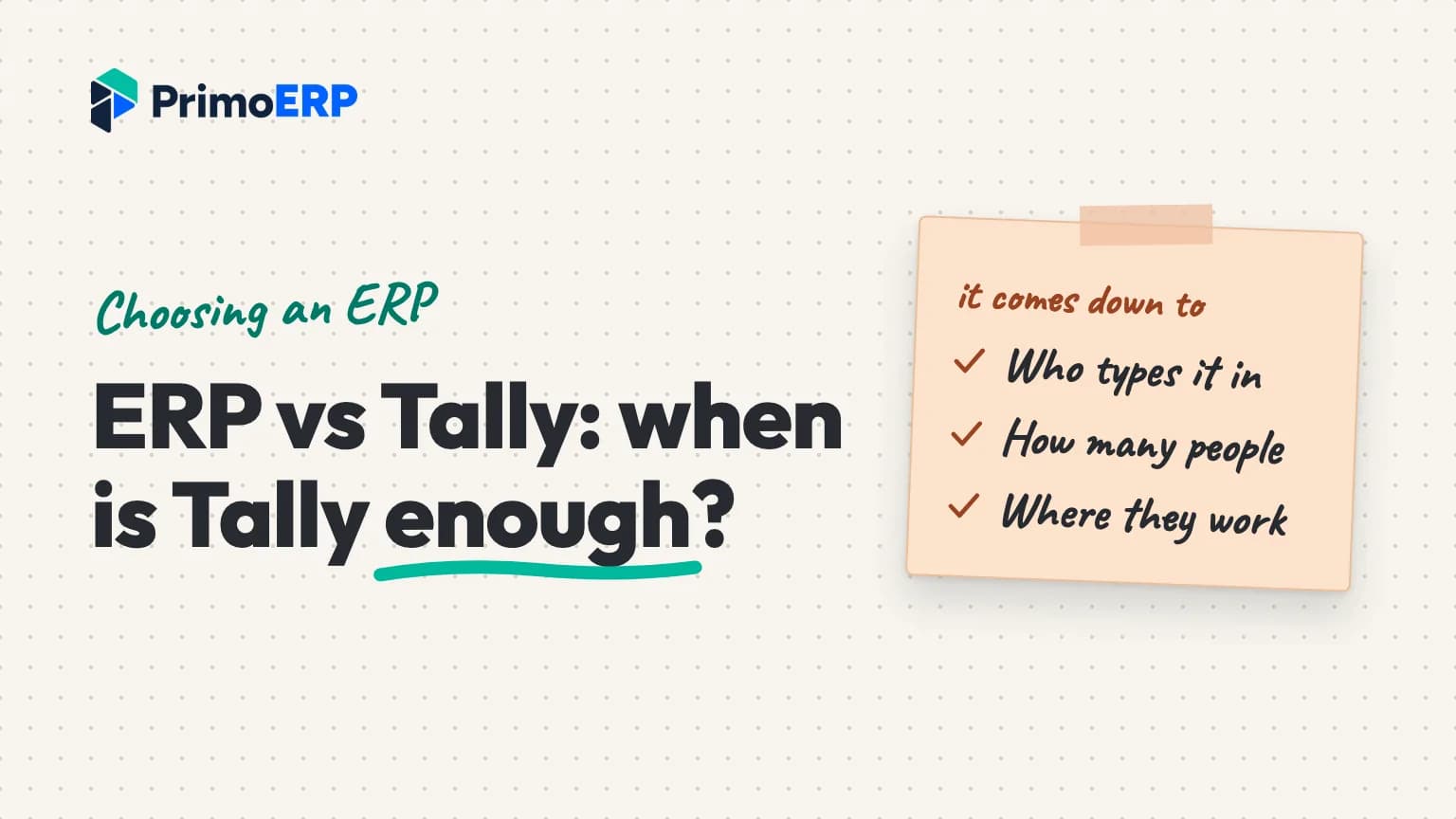
So ERP vs Tally is rarely about one missing feature. Instead, it turns on three things: who enters the data, how many people need the books at the same moment, and where they are when they need them. If one person keeps the books on one PC, Tally is hard to beat on price. But if five people across a shop, a godown and a home office all need the same numbers, an ERP starts to earn its fee.
Is Tally an ERP? What TallyPrime covers
Tally answers this one itself. Its TallyPrime FAQ calls the product accounting and business management software that “handles many functions normally associated with an ERP system”. That is honest. According to the same FAQ, TallyPrime records sales and purchase orders, keeps stock by godown, tracks batches and expiry dates, builds bills of materials and runs payroll.
What sets its limits is how it is installed and licensed. Tally’s pages spell that out, and this is what they said on 17 October 2026:
- Windows only. TallyPrime needs a 64-bit edition of Windows, and the system requirements page says it cannot be installed on a Mac. For Mac users, Tally offers TallyPrime Cloud Access in a browser instead.
- Silver or Gold. Silver runs on one computer at a time. Gold lets several people work at once on computers connected to the same office network. Tally says the features are broadly the same in both; with Gold you are paying for the extra users.
- Away from the office. Cloud Access, the full program hosted online, is a separate paid service, and you still need the licence. Remote Access and browser reports give lighter ways to check data on the move.
- Offline is fine. Daily accounting, billing and stock work run with no internet. You need a connection for GST filing, e-invoicing and Tally’s other connected services.
- Updates come with TSS. A lifetime licence keeps working without it. However, new releases, statutory updates and connected services depend on an active Tally Software Services subscription.
What an ERP does differently from Tally
The difference that matters most is who does the typing. Picture a familiar setup: the sales team writes orders in a notebook or on WhatsApp, the godown keeps its own Excel sheet, and the accountant enters everything into Tally a few days later. Tally can hold orders and stock, yet the work still lands on one desk.

An ERP is built so that each team records its own work as it happens. Here is how that looks in PrimoERP, as one example of the category:
- Your team records what happened (a sale, a bill, a payment) and the system writes the debits and credits. Your accountant then reviews the books instead of building them.
- A salesperson booking an order sees what that customer already owes and how much of their credit limit is left. The order also holds the stock, so two people cannot sell the same boxes.
- A month closes only once the bank, receivables and payables agree with the ledger. A late entry goes to a review queue rather than slipping into a closed month.
- Nobody edits or deletes a posted entry. You reverse a mistake and post it again, so the original and the fix both stay on record.
- Every entry carries its branch, department, cost centre and project. One branch’s figures become a filter on a report, not a separate file.
None of this means Tally is careless with numbers. It means an ERP assumes many hands in the system and adds the checks that go with them. You can see how the books work on our accounting module page. The trade-off is the connection: PrimoERP runs in a browser and needs the internet to work.
ERP vs Tally, side by side
| Question | TallyPrime | A cloud ERP (PrimoERP as the example) |
|---|---|---|
| Where it runs | A Windows PC; Mac users go through Cloud Access | Any web browser, Mac included, with nothing to install |
| Several users at once | Gold licence, on the same office network | Users included in every plan, more added as you grow |
| Working from outside | Cloud Access, a paid add-on | Built in: office, shop floor or home |
| No internet | Day-to-day work carries on | Does not work offline |
| How you pay | Lifetime licence or monthly rental | Subscription, with setup priced separately |
Signs your business has outgrown Tally
No single item below is a reason to switch. Three or more, though, usually mean the software has stopped fitting the way the business runs.
- The same sale gets typed twice: once in an order book or sheet, then again in Tally.
- Nobody can say how much stock is on hand without calling the godown.
- People wait their turn for the Tally PC, or someone stays late to enter the day’s bills.
- The owner wants figures from home or on the road, and gets them as a PDF on WhatsApp.
- Someone on the team uses a Mac, or a branch in another city needs the same books.
- Each branch or company lives in its own data file, and someone builds the totals in Excel at month end.
- Salespeople promise stock that has already gone to another customer, or give credit to someone already past their limit.
When Tally is the better choice
Stay on Tally, or start with it, if these describe you:
- You need accounts and GST on one PC, and nothing else.
- You would rather pay once for a licence than pay for a subscription.
- Most of your work happens without a reliable internet connection. A cloud ERP needs one.
- Only your accountant touches the books, and they know Tally inside out.
Tally also has room to grow before you leave it. Gold adds users on your office network, and Cloud Access puts the same software in a browser for remote staff and Mac users. So if your only problem is “I can’t open Tally from home”, price those options first. Changing systems is real work, and it should solve more than one problem.
When PrimoERP isn’t the right fit
If that list describes you, PrimoERP is probably not for you yet. It is also the wrong pick if your team works offline for long stretches, or if one person only needs billing and GST returns. In that case a one-time Tally Silver licence will cost you less.
ERP or Tally: a decision checklist
Answer each question yes or no. Be honest about how the business runs today, not how you hope it will run next year.
- Do more than two people need to enter or read the books on a normal day?
- Does anyone need the numbers from outside the office at least once a week?
- Is any order, stock or purchase information kept outside Tally, in Excel, a notebook or WhatsApp?
- Do you run more than one godown, branch or company?
- Does anyone on the team work on a Mac?
- Do salespeople need to see stock and a customer’s dues before they promise anything?
- Does month end drag on for days because figures come from several places?
- Is there a steady internet connection wherever the work happens?
If you said yes to question 8 and to three or more of the others, an ERP is worth a proper look. If you said no to question 8, stay with desktop software for now, whatever else you answered. And two or fewer yeses usually means Tally, perhaps with Gold or Cloud Access, will serve you well.

Cost: Tally licence vs ERP subscription
These are Tally’s India prices from its buy page, checked 17 October 2026, all plus 18% GST:
| TallyPrime plan | 1 month | 12 months | Lifetime |
|---|---|---|---|
| Silver (one PC) | ₹750 | ₹8,100 | ₹22,500 |
| Gold (several users, office network) | ₹2,250 | ₹24,300 | ₹67,500 |
Tally shows the 12-month prices as 10% off ₹9,000 and ₹27,000. Cloud Access is extra: the page offers it at ₹1,800 for 3 months alongside the Silver 3-month plan. Tally also gives a 7-day free trial.
On the other side of the ERP vs Tally sum, PrimoERP’s India plans (checked 17 October 2026) are billed annually, plus GST. Starter is ₹1,499 a month with 3 users, Growth is ₹4,999 with 10 users, and Business is ₹11,999 with 25 users. An extra user costs ₹449, ₹399 or ₹349 a month depending on the plan, and your accountant gets one login free on every plan. Setup can be self-serve at no charge, or Quick Start at ₹9,999 and Guided Go-Live at ₹39,999. There is a 14-day free trial, and no card is needed.
A rough sum for three people
Starter for a year comes to ₹17,988 plus GST, or ₹53,964 over three years. Tally Gold for three people on one office network is ₹67,500 once, before any TSS renewals, or ₹24,300 a year on the 12-month plan. For one person on one PC, though, Silver at ₹22,500 costs less than a subscription like ours within a couple of years. Price alone rarely settles the question; the number of people, and where they work, does. Our PrimoERP and TallyPrime comparison lays out the two with sources.

Moving from Tally to an ERP
A move is less dramatic than people fear, but it is not a weekend job either. These are the usual steps:
- Pick a cut-over date. The first day of a month, or better still of a financial year, keeps opening balances clean.
- Tidy the masters first. Merge duplicate ledgers, customers and items in Tally before anything moves. Duplicates that come across stay duplicates.
- Bring the data over. With PrimoERP, we bring in your chart of accounts, customers, suppliers, items and opening balances, check every row before it goes in, and then go through the numbers with you before go-live.
- Train each team on its own screens. Sales, godown and accounts each learn the parts they will use.
- Go live with help close by. We sit with you in go-live week, then stay on phone, WhatsApp and email.
Your accountant does not lose out in the move. PrimoERP keeps proper double-entry books, and they get a login of their own with the access you choose. Also, keep your Tally data after you switch. Earlier years will matter for audits, and a lifetime licence keeps working for that even without TSS.
Next step
If the checklist settled ERP vs Tally in Tally’s favour, that is a good answer, and you have saved yourself a project. If it pointed to an ERP, see one working with data like yours before you decide. Book a free 30-minute demo and we will look at how you use Tally today, then show you PrimoERP with your kind of data.

Abidhusain Chidi
Founder & CEO, QalbIT Infotech
Abidhusain Chidi is the founder and CEO of QalbIT Infotech, a software agency in Ahmedabad building web and SaaS products since 2018. He's also CTO at Seekly, an Australian revenue intelligence platform, and is building LiftUp. He writes about CRM, SaaS operations, and shipping multiple products as a small team.
see it live
Run the whole business from one system
Book a free demo and we will walk you through PrimoERP for your industry, with your own items and customers.